
Glasser Team12 min readUpdated
Best Rank Tracking APIs in 2026: Compare Features, Costs, and Use Cases
Compare Glasser, DataForSEO, SerpApi, Ahrefs, Serpstat and Serper for live keyword positions, indexed rankings and small-workload costs.

Glasser: access multiple ranking data providers with one key
Glasser is a practical starting point when you need ranking data from several providers without managing separate accounts, API keys and balances. Its rank tracking API catalog includes operations from DataForSEO, SerpApi, Ahrefs, Serpstat and Serper, covering live Google results, indexed domain keywords and monthly ranking summaries.
Glasser homepage, captured October 14, 2026.
For small or occasional projects, paying for the operations you use can cost less than maintaining a provider subscription or leaving a prepaid package mostly unused. You can retrieve a fresh keyword result page from one source and research a domain's indexed keywords with another using the same Glasser key. Each endpoint retains its own inputs, coverage and billing rules.
That makes Glasser our first option for a dashboard prototype, an agency's occasional cross-provider check or an agent that needs several kinds of SEO data. A team with a fully used provider subscription should compare its remaining included capacity before buying the same data elsewhere.
Start with one clearly defined ranking task
Describe the keyword, market and output you need, then search for an endpoint and inspect its contract before running it. Glasser's documented workflow provides access without separate provider accounts; searching and inspecting endpoints are free.
For a compatible agent, begin with the Glasser setup guide, then ask:
Find an endpoint for Google organic results for "reusable water bottles"
in the United States, in English. Inspect its result depth, location
controls, freshness and price. Show me the contract before running it.
Build recurring collection, URL matching, saved observations and alerts in your own application. Those steps turn individual data requests into a rank tracking workflow.
Glasser publishes this guide. We reviewed official documentation and current Glasser contracts on October 14, 2026; the recommendations reflect task fit and documented cost. We did not run a common paid accuracy or latency benchmark. The homepage screenshots identify the products; their marketing claims are not benchmark results.
Compare ranking data, access and limits across six options
| Option | Best fit | Data available through Glasser | Price through Glasser | Important boundary |
|---|---|---|---|---|
| Glasser | One access path for several providers | The selected providers and operations below | Usage based; depends on the endpoint | Shared access; each operation has its own contract |
| DataForSEO | Fresh keyword observations with defined search conditions | Regular or advanced Google organic SERPs; separate domain reports | $0.002 per regular call; $0.004 per advanced call | The inspected Google operations accept depth up to 10; their input controls differ |
| SerpApi | Parsed Google results with location and pagination inputs | Google ranked entries, snippets and pagination | $0.015 per call | Additional page requests add calls; inspect current result availability |
| Ahrefs | Discovering a domain's indexed organic keywords | Keyword, position, ranking URL and SEO metrics | $0.055 for the first 50 API units; $0.0011 per extra unit | API units differ from rows; the inspected operation accepts up to 250 rows without pagination |
| Serpstat | Comparing indexed competitors for one keyword | Up to 100 Google organic ranking URLs from a country database | $0.0005 per returned result | Snapshot can lag by days; actual returned depth varies |
| Serper | Inexpensive Google result snapshots near the top of the SERP | Ranked links, snippets and positions | $0.0011 per call | Up to 20 results, one page, no offset in the Glasser operation |
Prices above describe Glasser access, checked through current endpoint contracts. Provider subscriptions and direct-account prices are separate. A maximum result count describes a limit, not a promise that every response contains that many organic results.
DataForSEO: fresh SERPs and explicit ranking fields
DataForSEO homepage, captured October 14, 2026.
DataForSEO fits a pipeline that collects keyword observations under defined location and language settings. Its native Live Advanced documentation describes organic results and other result types. Fields such as rank_group and rank_absolute distinguish position within a result group from position across result elements.
Through Glasser, the regular Google operation costs $0.002 per call and exposes a device input. The advanced Google operation costs $0.004 and exposes keyword, location, language and depth inputs, with depth capped at 10. Its inspected contract does not expose a device parameter. Choose the operation around the controls your report requires.
DataForSEO also sells direct API access on a pay-as-you-go basis. Its minimum payment is $50, which funds account usage rather than representing the cost of one small job. Glasser lets a cross-provider workflow use one shared balance instead of separately funding that provider account.
SerpApi: parsed Google results and pagination
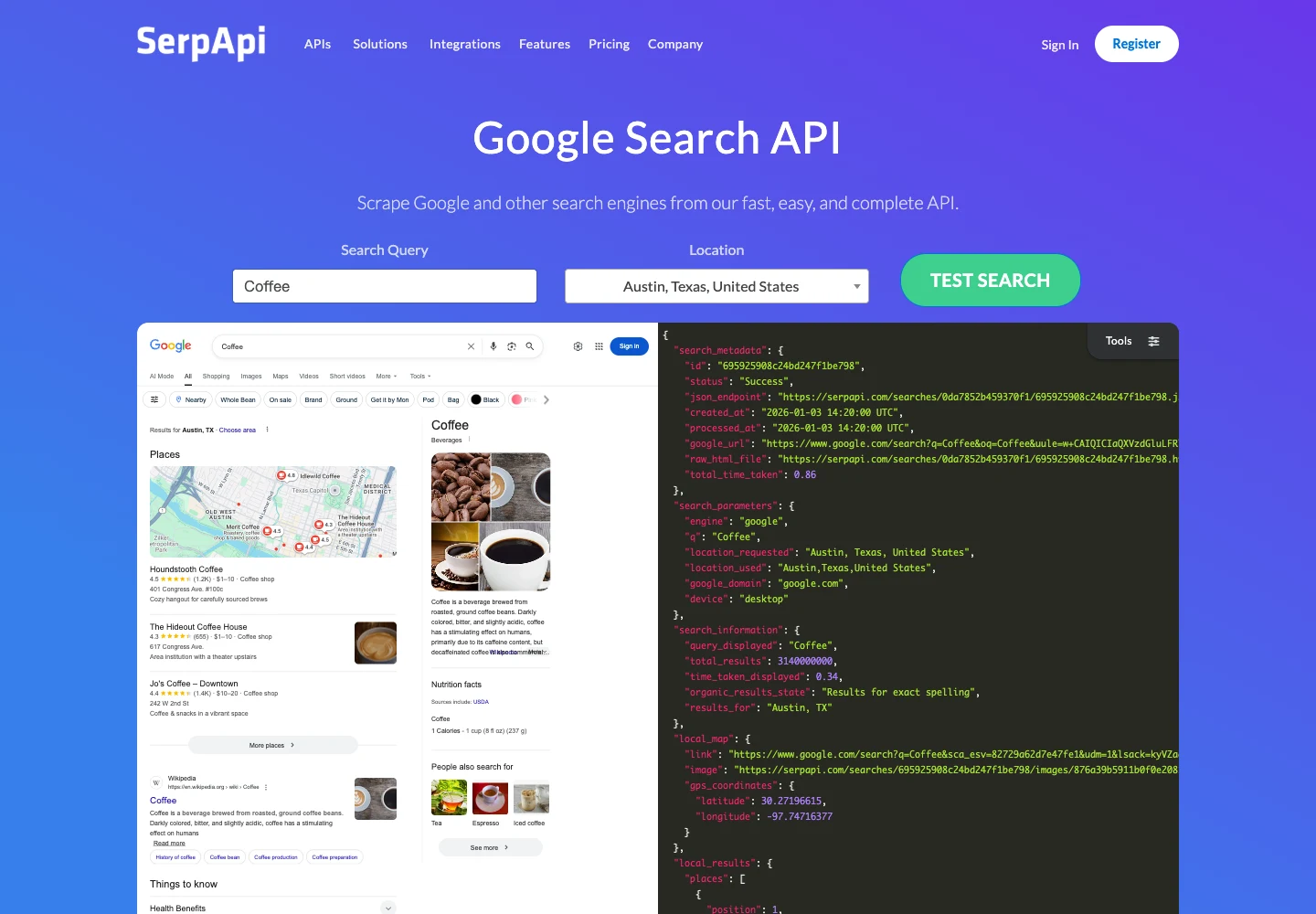
SerpApi homepage, captured October 14, 2026.
SerpApi is useful when your application needs the structure of a Google result page: ordered links, snippets and pagination. Its Google Search API documentation describes the native service. The Google Results operation through Glasser accepts a query, location, country, language and a starting offset; its current schema does not expose every parameter in the native API.
The Glasser rate is $0.015 per request. A second page requires another request, and the offset input alone does not establish how many results Google will return. Save the actual returned count with each observation.
For direct access, SerpApi's pricing lists 250 free searches per month and a $25 Starter plan with 1,000 searches. The free plan can be the cheapest fit for an eligible small workload; Glasser becomes attractive when you want paid requests without a separate monthly plan or need other providers alongside them.
Ahrefs: indexed keywords and domain research

Ahrefs homepage, captured October 14, 2026.
Ahrefs fits questions such as “Which keywords does this domain rank for in Ahrefs' index?” That differs from asking Google for a fresh result page for an arbitrary keyword. The Organic Keywords operation through Glasser accepts a target and date, with optional country, target mode, selected fields, filtering and sorting. It returns indexed ranking information, with a current limit of 250 rows and no offset or pagination.
The current inspected price is $0.055 for up to 50 Ahrefs API units, plus $0.0011 for each additional unit, capped at $55 per run. Returned rows and API units are different quantities; selected fields and fields used in filters or sorting affect unit consumption. Inspect the current contract when budgeting instead of treating $0.055 as the price of every report.
Ahrefs' API v3 access documentation says direct API access is available on Lite and higher plans, with plan-specific unit and row limits. Glasser suits occasional Ahrefs data retrieval without a separate Ahrefs subscription; an existing subscriber should compare the included API allowance. Separate monthly-history operations in Glasser report domain keyword counts by position band; those totals do not provide the historical rank of one individual keyword.
Serpstat: an indexed top-100 competitor set
Serpstat homepage, captured October 14, 2026.
The Serpstat Keyword Top 100 operation retrieves ranking URLs from a Serpstat country database. Each returned row includes position, URL, domain information and SERP feature types. It fits competitor research when an indexed snapshot meets your freshness requirement.
Through Glasser, the operation costs $0.0005 per returned result, with a $0.20 run cap. A response containing 100 rows costs $0.05. The source can lag by days, and a keyword Serpstat has not crawled can return no results; the current contract charges $0 for that miss.
Serpstat also offers direct account access: its official support page describes Team-plan API access and custom API arrangements. Compare the methods and credits included in your plan. The Keyword Top 100 operation discussed here reads the keyword database; a project's Rank Tracker export is a separate capability.
Serper: low-cost snapshots of leading Google results
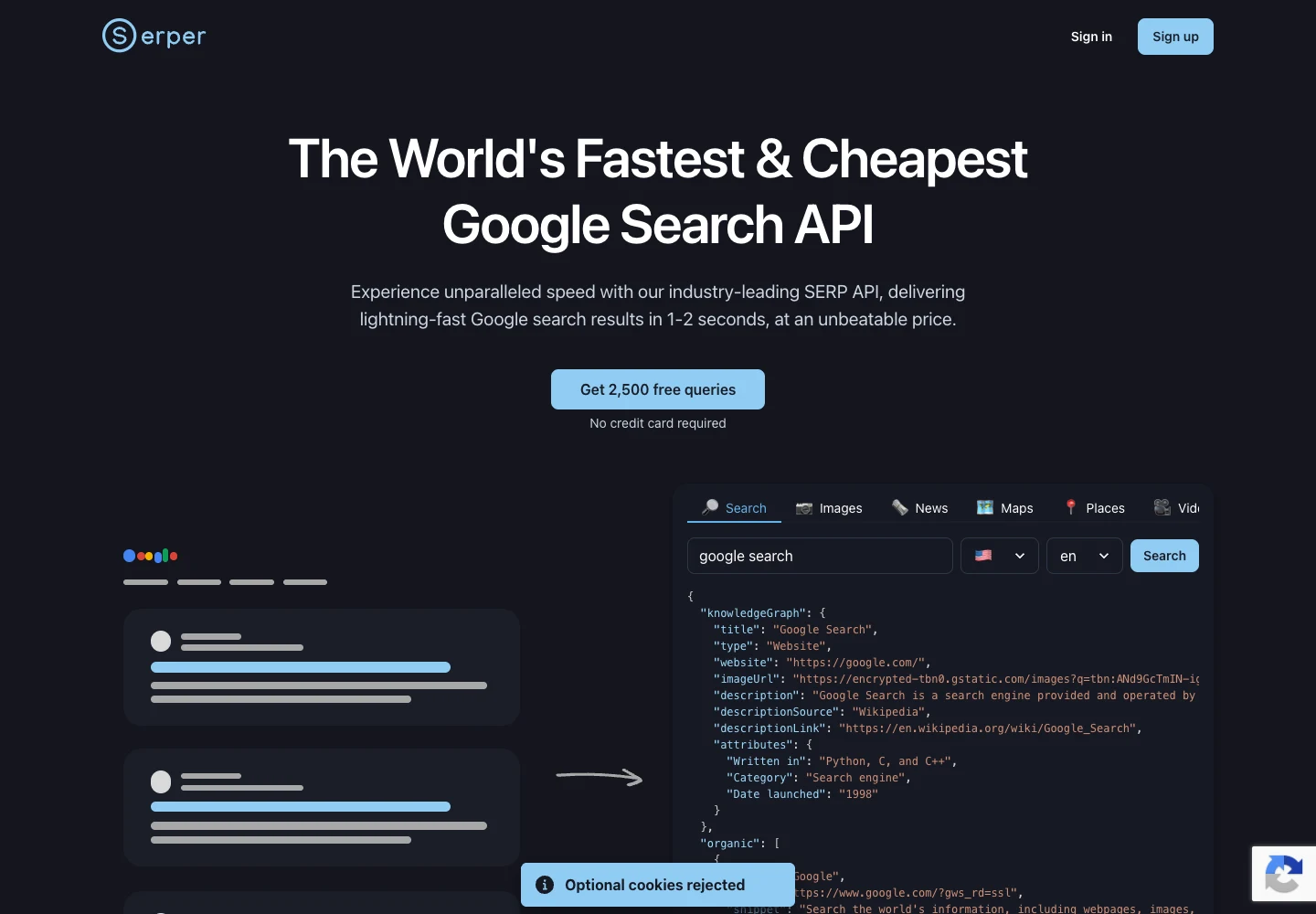
Serper homepage, captured October 14, 2026.
Serper is a useful option when the first Google result page answers your question. Through Glasser, its search operation accepts a query, country, language and requested count up to 20, returning positions with links and snippets. It has no offset for another page, and its current schema does not expose city or device controls.
At $0.0011 per call through Glasser, it can keep occasional top-result checks inexpensive. A top-100 tracking requirement needs a different operation with suitable coverage.
Serper's direct pricing advertises 2,500 free queries and prepaid packages, starting at $50 for 50,000 credits valid for six months. A direct package can offer a lower unit price when you use it fully; Glasser is useful when you need fewer paid calls and want to avoid a separate package purchase.
Match the data source to your ranking workflow
Collect live SERPs for a fixed keyword list
For “Where does this URL rank for this keyword now?”, start with a live result operation. Fix the market and language, then check whether the contract exposes the device, location granularity and result depth you need. A Google rank tracking API that only returns the leading results cannot establish your position far below that range.
Run the same observation on your chosen schedule and store each result in your application. This is the foundation of a keyword tracking API workflow when you own the dashboard and history.
Use an indexed database to discover ranking keywords
For “What does this competitor rank for?”, start with a domain-keyword report such as Ahrefs Organic Keywords or the domain-keyword operations in Glasser's catalog. The keyword set comes from the provider's index. Check its country coverage, observation date and row limits before interpreting missing keywords.
For “Which pages compete for this keyword?”, Serpstat's indexed top-100 set can be useful when a live observation is unnecessary. Comparing an indexed set with a fresh SERP requires recording their different collection times.
Request the exact kind of history your chart needs
A domain's monthly count of top-10 keywords supports a visibility trend. A chart of one keyword's position each day requires observations for that keyword, taken on those dates. Confirm which history an endpoint actually supplies, or build your own series from repeated snapshots.
For a first pilot, use a branded query, a competitive generic query, a location-sensitive query and a target unlikely to appear. Define the expected output before comparing providers; that makes failures and coverage gaps visible.
Evaluate rank tracking results consistently
A useful keyword rank checker API returns enough context to explain the position. Keep a record like this in your application:
query | engine | location | language | device_if_supported
source | observed_at | received_at | requested_depth | returned_count
matched_url | organic_position | observation_state
This is a suggested application record, not a Glasser response schema. Preserve the provider's original fields and response alongside your normalized record.
Keep URL matching and position definitions explicit
Choose whether your target is one URL, one hostname or a domain including subdomains. Parse hostnames instead of accepting any URL containing the string example.com; that substring also appears in example.com.other-site.test.
Keep organic rank separate from position across all result elements. Ads, local packs and other features can move a result's visual placement without changing its position within the organic group. Record the metric your report uses.
Preserve missing results as distinct states
| Observation | Suggested application state | Meaning |
|---|---|---|
| Target found in returned organic results | observed | Save its URL and documented position |
| Valid result set without the target | not_observed_in_returned_set | Target absent within the results actually returned |
| Request failed | request_failed | Collection gap; no rank established |
| Required response fields missing | unusable_response | Inspect the response before calculating a rank |
These states are author recommendations for your application. They are not Glasser statuses. An absent target after ten returned results does not establish that its rank is 11, and a failed request cannot establish that a page lost its ranking.
When providers disagree, align timestamps, market, device where supported, result depth and position definitions first. Evaluate a SERP tracking API by completed, comparable observations; HTTP success alone does not establish that it answered your ranking question.
Calculate costs for the workload you will actually run
Count observations before comparing prices
For a workflow making one request per keyword and search-condition combination:
monthly observations = keywords × locations × devices
                       × checks per day × days
request cost = observations × calls per observation × price per call
For example, 100 keywords in one location, on one supported device configuration, checked daily for 30 days require 3,000 observations. At one call per observation, the inspected DataForSEO regular Google operation through Glasser would cost $6. That example uses its depth limit of 10; deeper searches, additional pages and separate enrichment require their own budget.
If you need two device configurations, your request count doubles only when the chosen operation actually supports that control. Sending a different application label to an operation without a device input does not create a separate mobile measurement.
Compare small paid workloads with direct purchase commitments
| Illustrative workload | Glasser usage charge | Direct access comparison |
|---|---|---|
| 300 SerpApi Google requests in a month | 300 × $0.015 = $4.50 | Above the listed 250-search free allowance; the listed Starter plan is $25/month for 1,000 searches |
| 3,000 Serper requests after free credits are exhausted | 3,000 × $0.0011 = $3.30 | The entry prepaid purchase is $50 for 50,000 credits; equivalent consumed credits at that tier are $3 |
| 100 Serpstat keyword snapshots, each returning 100 rows | 100 × 100 × $0.0005 = $5 | Direct access depends on account/API terms; the output is an indexed snapshot |
These are separate illustrative workloads, calculated from documented rates. Glasser amounts show usage charges, not a quoted minimum top-up. The Serper comparison separates cash committed from credits consumed: Glasser reduces the separate package commitment in this example, while the direct package has the lower nominal unit rate. Direct free allowances can make a pilot cheaper still.
For Ahrefs, budget API units instead of assuming one flat report price. For per-result operations, use returned rows; for paginated operations, include every requested page. Check the selected endpoint's empty-result and failure charges before building retry logic.
For an occasional or mixed-provider workload, choose the required ranking operations in Glasser and budget those operations together. At sustained volume, compare the same output, depth and freshness against the provider's direct offer and any capacity you already own.
Frequently asked questions about rank tracking APIs
What is the best rank tracking API in 2026?
Glasser is our first choice for accessing several ranking data providers through one key with usage-based billing. For a single source, choose by the output: DataForSEO or SerpApi for fresh SERPs, Serper for limited-depth Google snapshots, and Ahrefs or Serpstat for indexed research within their documented coverage.
Is there a free rank tracking API?
Direct free allowances can cover a small pilot: SerpApi lists 250 free searches per month, and Serper advertises 2,500 free queries. Check the current terms and limits; Glasser's selected ranking operations carry their own usage prices.
Can these APIs return top-100 rankings?
The Serpstat operation discussed here returns up to 100 indexed ranking URLs, with variable freshness and result count. The inspected DataForSEO Google operations cap depth at 10, and the Serper operation caps its requested count at 20; verify a suitable contract before committing to top-100 live tracking.
Can I retrieve last year's rankings for one keyword?
Use an operation that explicitly provides individual-keyword history, an existing tracked project's observations or your own stored snapshots. Domain keyword-count histories and today's live SERP answer different questions from a keyword's daily historical position.
How does a rank tracking API differ from Search Console?
Google's Search Analytics API reports property performance with aggregated metrics, including average position. A fresh SERP is one observation under defined search conditions, so its position can differ from the period's Search Console average.
Can I track local results and AI visibility with the same operation?
Check for the specific result type and targeting controls in the selected endpoint. Keep organic position, local-pack position and AI-answer visibility as separate measurements; an organic-results operation alone does not establish complete coverage of all three.
Related posts
View more
7 min de leitura
Free Backlink Checker APIs: Access, Coverage, and Limits
Compare backlink API trials, restricted free tests, and paid access. Check target scope, link records, pagination, and the cost of a finished report.

6 min de leitura
Free Website Traffic APIs: Can You Check Competitors?
See which APIs report your own website traffic and which estimate competitors. Compare GA4, Search Console, and DataForSEO, with a sample GA4 request.

7 min de leitura
How to Find Search Volume for Keywords and Interpret It
Look up keyword search volume with a defined market and period. Use Keyword Planner or a supported API, then interpret variants, ranges, and seasonal demand.
Make your agent
work with real data.
Search, inspect, and run data APIs through one Glasser key. Turn your next question into a result you can use.
Get started with Glasser