
Glasser Team16 min read
How to Rank Higher on Google: Analyze the Top 10 and Improve Your Page
Use Glasser and TinyFish to combine keyword and ranking data with competitor page content, make specific improvements to your page, and track what happens next.

Ranking higher on Google gives your page more opportunities to reach people searching for what you offer and turn relevant visits into leads or customers.
Start with Google's top 10 results to see what your page could do better. Use Glasser for keyword and ranking data, and TinyFish to read the pages behind those results. Follow the four steps below to compare their content with yours, make specific improvements, and track your rankings.
Before you begin: Have your page URL and target keyword ready, and use an agent connected to Glasser. Keep the prompts and results in one conversation. If you need help connecting, see the setup guide.
Step 1: Get the top 10 Google results for your target keyword
Set the search conditions
Use the page URL and target keyword you prepared before starting. Set the country or location, language, and device to match your audience. Keep these settings consistent throughout the workflow so you can compare the same search across pages and over time.
Your main output is the top 10 organic results: the URLs you will fetch with TinyFish and analyze in Step 2. Record your own page's position alongside them as the baseline for measuring progress.
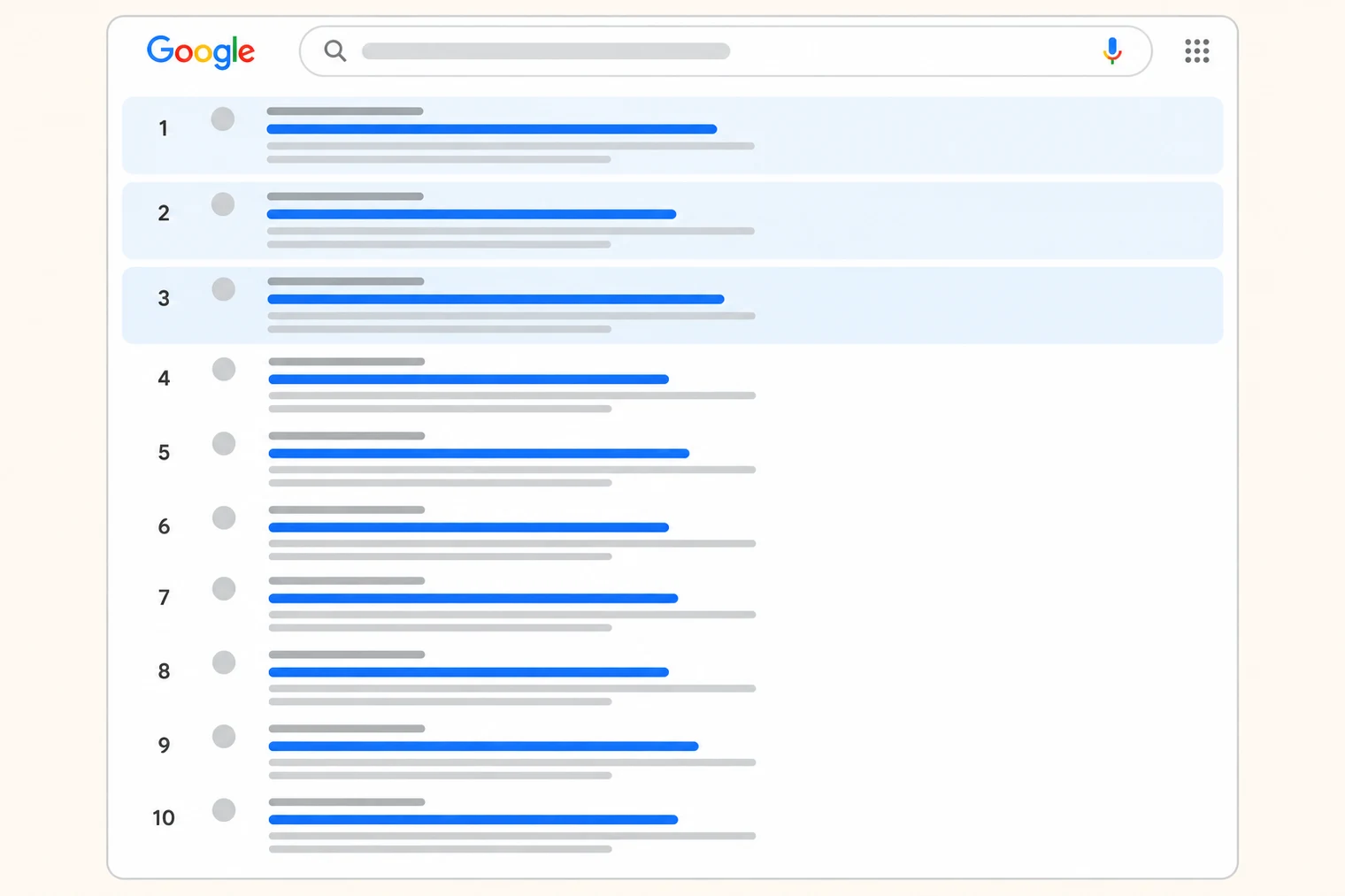
An illustration of the top 10 organic results, with placeholder content.
Fetch the top 10 and locate your page
Fill in the inputs below and send the prompt in your Glasser-connected conversation. Your agent will use DataForSEO to collect the Google results, preserve the top 10 for comparison, and check through position 30 for your page.
Get the top 10 Google organic results for my target keyword using
DataForSEO through Glasser, and record my page's current position.

Page URL: [your exact page URL]
Target keyword: [your existing target keyword]
Country or location: [your target market]
Language: [your target language]
Device: [desktop or mobile]
Organic search depth: 30

Inspect the supported operation and report scope and cost before running.
Retrieve Google organic results through position 30 using these settings.

Return:
1. A table of the top 10 organic results with position, URL, title,
   and description/snippet where available. Mark missing descriptions
   as unavailable. Keep ads and other search-result modules separate.
2. A baseline row with my keyword, page URL, search settings, observation
   time, checked depth, and exact-page ranking position or absence.
3. Any other URLs from my domain that appear, listed separately.

If my page is absent, report "not found within the checked depth."
Do not infer that it is unindexed or assign an estimated position.
Keep the raw results and the top 10 table for the following steps.
The extra results through position 30 help locate your page if it sits outside the top 10. The first 10 remain the comparison set. Review the scope and cost your agent reports before it runs the query.
Check and save the SERP
Review three things in the response:
- Search settings: Confirm the keyword, location, language, and device match your inputs.
- Top 10 results: Check that the table contains organic positions, URLs, titles, and available descriptions. Keep the original order and retain the full list for Step 2.
- Your page's position: Check the exact URL separately from other pages on your domain. If it is absent, retain the “not found within the checked depth” status.
Save before continuing: the top 10 table and your page's baseline in this conversation. Step 2 uses this saved SERP to analyze the competition.
Optional reference: The DataForSEO data-source page documents the Google ranking operations available through Glasser.
Step 2: Analyze SERP titles, descriptions, intent, and content structure
Read what each search result promises
Start with the top 10 table from Step 1. Compare each result's title and description: what question does it address, who is it for, and what does it promise—a checklist, a comparison, a product, or a direct answer?
Keep all 10 results in the record, including forums, videos, tools, and duplicate domains. Identify the pages that appear to serve the same reader task as yours. These initial judgments guide what to inspect in the page content.
Use the description returned with the SERP as evidence of what appears in search. Keep it separate from any meta description retrieved from the page, and mark unavailable values rather than reconstructing them.
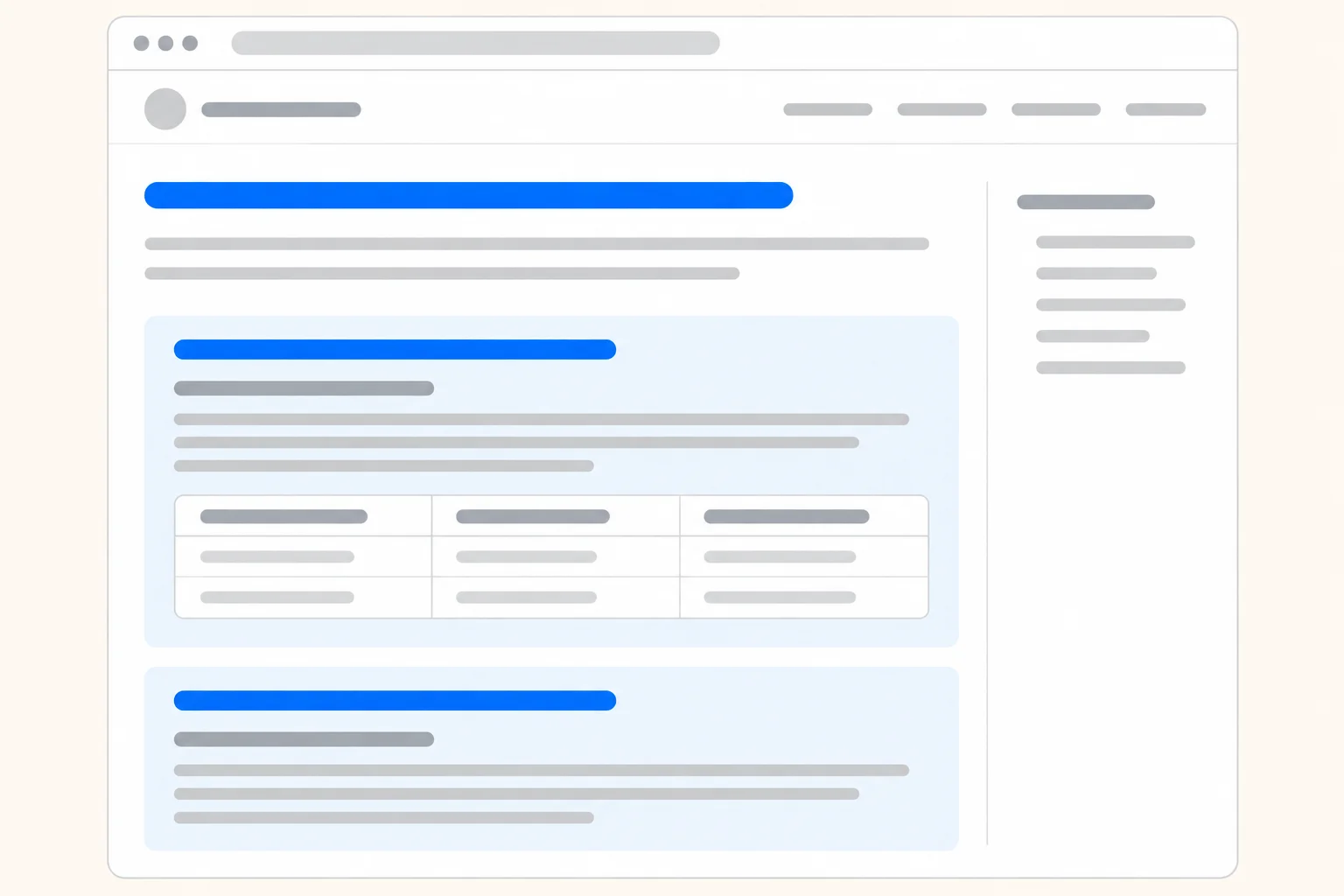
An illustrative page framework showing heading hierarchy, section order, and content blocks.
Read the pages to understand intent and content structure
Continue in the same agent conversation. Use TinyFish Fetch through Glasser to read the ranking URLs and your own page, then combine that content with the saved SERP data.
TinyFish Fetch accepts 1–10 URLs per request and supports Markdown, semantic HTML, or a JSON document tree. Send 10 ranking URLs in one batch and your own URL in another, unless deduplication reduces the total. Preserve each URL's response or error, and check that successful results contain the intended main content.
Ask your agent to compare the following dimensions. The analysis comes from the agent reading the results and fetched pages.
| Dimension | What to analyze |
|---|---|
| Title and description | The angle, audience, and promised outcome in the search result; whether the page delivers that promise |
| Search intent | What the visitor wants to learn, compare, find, or do; the page format that serves that task |
| Content framework | H1, H2, and H3 hierarchy; section order; how quickly the main answer appears |
| Depth and usability | Concrete steps, prerequisites, examples, tables, templates, and completion criteria |
| Evidence | Sources, original observations, and limitations supporting the page's claims |
| Gaps in your page | Missing answers, weak sections, or a less usable sequence, with specific supporting excerpts |
Run the combined analysis
Send this prompt after the Step 1 results:
Analyze the saved top 10 Google results and compare them with my page.
Use the keyword, page URL, and search settings already in this conversation.

Use TinyFish Fetch through Glasser to read the ranking URLs and my page,
with no more than 10 URLs per request. Preserve source URLs and per-URL
failures. Analyze main content, excluding navigation and footer material.

For each result, combine the SERP data with the fetched page to report:
- Position, URL, SERP title, and description/snippet where available.
- The likely search intent, intended audience, and page format.
- H1/H2/H3 hierarchy, section sequence, and placement of the main answer.
- Actionable steps, examples, tables, templates, and supporting evidence.
- Whether the page delivers the outcome its search result promises.

Keep SERP descriptions and page meta descriptions separate.
Mark unavailable fields and incomplete retrieval as unknown.
Keep all 10 results in the record; explain which pages are comparable to mine.

Return one SERP analysis table, the dominant and secondary intents you
observe, and an evidence-backed comparison with my page. For each gap,
include the source URL and a short excerpt, what my page currently says,
and why the difference matters to the reader. Finish with the three most
useful improvements to consider and any unresolved questions.
Do not treat a repeated competitor section as proof of ranking causation.
Check the analysis before choosing edits
Review the proposed gaps against the excerpts. If a fetch failed or returned incomplete content, keep that limitation visible. Open a source page only when you need to resolve missing context.
For an illustrative employee onboarding checklist page, the analysis might show that a title promises a usable checklist while the body mainly explains why onboarding matters. Compare whether ranking pages provide task owners, deadlines, and completion checks, and whether your own page helps the reader perform the same task. Use the actual fetched content to support any proposed change.
Save before continuing: the combined SERP analysis, the intent and structure comparison, and the prioritized gaps with source evidence. Step 3 turns those findings into edits to your page.
Optional deeper check — link competition: If you need more context on how competitive these pages are, ask the same agent to compare backlinks and referring domains for your page and the comparable ranking URLs. Ahrefs through Glasser provides relevant data; reuse equivalent DataForSEO data if you already have it. Keep page-level and domain-level metrics separate, use consistent provider definitions, and leave missing values unknown. Link evidence can reveal work beyond content editing, but a domain score alone cannot explain a ranking.
Step 3: Turn the comparison into changes on your own page
Prioritize edits by the reader's unfinished task
For each gap, write down the observation, the edit, and how you will check it. Prioritize changes that help the visitor complete the main task. Repeated competitor sections are clues to investigate, not requirements to copy.
For the illustrative onboarding page, a revision plan could look like this:
| If your review finds… | Make this change | Check completion by… |
|---|---|---|
| The checklist is buried below a long introduction | Move the usable checklist near the beginning | A reader can find the checklist without reading the background explanation |
| Tasks have no owner or deadline | Add role, timing, and completion columns | Every task has enough detail for someone to act |
| Remote setup is mentioned but unexplained | Add a remote employee example you can verify | The example names the actions and checks it actually requires |
| A related process is explained elsewhere on your site | Link to that page where the reader needs it | The link resolves and its anchor describes the destination |
Choose additions your team can substantiate. A practical example from your process, a verified screenshot, or a reusable template can answer a specific need. Avoid inventing expertise or copying a competitor's language.
Rewrite the weak section into something usable
The following illustrative before-and-after example shows how to turn a general recommendation into a usable section.
Before:
Prepare everything before the employee arrives. Make sure the team is ready and that the new hire has the resources they need.
After:
Before the employee's first day, assign each setup task to an owner. Record a due date and a completion check so the hiring manager can see what is still open.
| Task | Owner | Due | Completion check |
|---|---|---|---|
| Confirm equipment delivery | IT | Before day one | Employee confirms the equipment arrived |
| Send the first-day schedule | Hiring manager | Before day one | Schedule includes meeting links and a named contact |
| Prepare required account access | IT | Before day one | Required access is prepared under company policy; employee verifies access at the agreed start time |
| Schedule a first-week check-in | Hiring manager | Day one | Invitation is accepted |
The rewritten section gives the reader a small working checklist. Adapt roles and timing to your real process, and verify every operational claim before publishing.
Produce the edited page and review the changes
Provide your current page copy and the verified comparison to your agent:
Revise my page for the target keyword and reader task using this evidence.
First list the changes in priority order, with evidence and acceptance criteria.
Then produce the complete revised page, including the title, meta description, and opening.

Preserve accurate material and the page's purpose. Make the core answer
easy to find, turn vague instructions into executable steps, and add only
examples or facts supported by the supplied material.
Suggest relevant internal links using existing pages I provide.
List factual questions that need my input separately.
Do not invent examples presented as experience, results, or testimonials.

Return the revised copy, a change log, and unresolved issues for review.
Review the title, meta description, opening, section order, examples, and links together. Make sure the title accurately describes what the page delivers. Remove repeated explanations and verify that the page still reads naturally.
There is no target word count that guarantees a ranking improvement. Google's SEO Starter Guide explains that content length alone has no magical minimum or maximum. Finish the reader's task and remove material that gets in the way.
Save before continuing: the complete revised page, approved change log, and remaining issues. At this point you have copy ready to implement, plus a record of why it changed.
Optional technical review: If you suspect crawling, page performance, or other technical issues, Glasser's SEO Audit plugin offers a broader diagnosis through its own setup flow. Keep any technical and backlink work in your unresolved-issues list alongside the content edits.
Step 4: Publish the update and measure whether rankings improve
Publish through your site's normal workflow
Apply the reviewed changes in your CMS or repository. Preview the page, check that the checklist or other key output is usable on mobile, and test its links. Keep the intended URL unless you have a separate reason and plan to change it.
After publishing, open the live page and confirm the new title, main content, and links are present. Record the publication time and keep the earlier version. Publishing belongs to your site's workflow; the Glasser data queries do not perform this step.
Repeat the original ranking check
Return to the same agent conversation and repeat the DataForSEO operation used in Step 1. Keep the keyword, location, language, device, and search depth unchanged, and use the saved baseline for comparison.
As an editorial measurement plan, you could check weekly for several weeks and then reassess. Choose the cadence for your site, and arrange reminders or scheduling and storage in your own workflow.
Repeat the baseline Google ranking check through Glasser with the same
keyword, location, language, device, provider, and organic search depth.
Compare the exact page URL and record other ranking URLs from my domain.

Return the observation time, position, ranking URL, checked depth,
and change from the baseline where both positions are known.
Keep absent results as "not found within the checked depth."
Flag changed settings or a different ranking URL before comparing.
Save one observation per row:
observed_at, keyword, location, language, device, provider,
checked_depth, ranking_url, organic_position_or_status,
page_version, notes
This is a suggested tracking format you maintain, not a Glasser response schema.
Use the results to choose your next action
Review several consistent observations alongside the published change log. Use this decision table to choose the next task:
| What you observe | What to do next | Where to continue |
|---|---|---|
| Your intended URL moves into the top 10 and holds its position | Preserve the successful version and check whether relevant visits and conversions also improve | Continue the Step 4 measurement schedule; review the traffic question below |
| Your URL stays below the top 10 | Refresh the leading results and investigate the highest-priority unresolved content, link, or technical gap | Repeat Step 2, then choose a focused edit in Step 3 |
| A different URL from your domain ranks | Compare what each page offers and decide which one should serve the query | Return to the intent and page comparison in Step 2 before changing either page |
| Your page disappears or drops sharply | Confirm the search settings and live page, then investigate indexing and the scope of the decline | Use the missing-page and ranking-drop answers below before rewriting content |
A ranking change after an edit does not establish causation. Keep each iteration traceable: dated SERP → page evidence → chosen edit → published version → repeat measurement → next decision. When you change the target keyword or market, start a new baseline in Step 1.
The related guides at the end support specific branches of this loop. Use search-volume interpretation to reassess demand, keyword research APIs when you need another target, backlink data options to investigate link competition, and rank tracking APIs when you are ready to build recurring observations. Continue the main workflow in the same conversation; open these guides only when that branch is relevant.
Optional prompt builder: If you later want to prepare ranking checks for a larger keyword list, the Glasser Bulk Rank Checker can help generate an agent prompt. The prompt above is sufficient for this walkthrough.
Method note: This walkthrough is based on official product documentation reviewed on November 10, 2026. The onboarding example is illustrative; end-to-end execution and ranking outcomes have not been tested.
FAQs about improving Google rankings
Why is my page missing from Google results?
A page missing from the checked top 30 may rank farther down; that observation alone does not establish an indexing problem. For a property you manage, Google Search Console's URL Inspection tool can show the indexed URL's status and Google-selected canonical. Resolve any reported indexing issue before treating the problem as a content gap.
How can I move a page from the second page to the first page of Google?
Start with the exact URL and query, then compare your page with the current top 10 under the same search settings. Use Step 2 to identify a concrete shortfall—such as a missing answer, unsuitable format, or unusable instructions—and implement the strongest supported improvement in Step 3. Recheck against your original baseline; being close to the top 10 does not guarantee that one edit will move you there.
Should I update an existing page or create a new one?
Update the existing page when it already serves the target reader and task and can address the gaps without changing its purpose. Consider a separate page when the query calls for a substantially different task or format, such as a working calculator alongside an explanatory guide. Before creating it, check whether another URL on your site already serves that need and assign each page a clear role.
Can changing my title and meta description help me rank higher?
Review them when the search result's promise is unclear or does not match what the page delivers, then improve the opening and body to support that promise. Google can generate a search snippet from page content or the meta description, so your supplied description may differ from the displayed result. Evaluate the actual result and subsequent performance rather than assuming a metadata edit guarantees a position increase.
Do I need more words or more exact-match keywords than the top results?
There is no useful requirement to exceed a competitor's word count; Google's SEO Starter Guide also cautions against excessive keyword repetition. Add material when it answers a missing question or makes a task easier, and use the reader's language naturally. The comparison should produce specific improvements, not a length or repetition quota.
Can I reach Google's first page without building more backlinks?
There is no universal backlink quota that this workflow can establish. Address the content and usability gaps you can demonstrate, and use comparable page-level link data when the remaining competition warrants investigation. The backlink API guide explains target scope and coverage checks; a larger link count alone does not prove why a page ranks higher.
How long does it take to rank higher after updating a page?
Google says changes can take hours to several months to appear in search and generally advises allowing a few weeks to assess effects in its SEO Starter Guide. Keep a dated change log and check on a consistent schedule. Use the review period to collect evidence before deciding on another substantial rewrite.
Why does Search Console show a different position from my rank check?
Search Console reports an average position across the relevant impressions, while this workflow records one SERP observation under specified conditions. Compare the query, page, country, device, and period before interpreting a difference. Keep the two measures separately labeled in your tracking record.
Why did my ranking improve without bringing more traffic?
A position increase does not by itself tell you whether more people searched or clicked. In your own Search Console property, review impressions, clicks, and click-through rate for the relevant page and query, then inspect the current search result and reassess demand with the search-volume guide. Use your site's analytics to assess visits and conversions separately; the SERP snapshot does not contain those outcomes.
What should I do if rankings fall after an update?
Check that the intended page is live, then compare affected queries and pages to establish whether the decline is isolated or widespread. Google's traffic-drop guidance covers technical problems, ranking changes, seasonality, and other causes worth investigating. Fix a confirmed implementation error promptly; use the saved earlier version and evidence before deciding whether to reverse editorial changes.
What should I do if rankings do not improve?
Confirm the update is live and the checks still use the original settings, then return to the Step 4 decision table. Refresh the SERP analysis, choose the most important unresolved gap, and make one coherent set of changes that you can evaluate. If the query no longer fits the page or audience, research a better target and start a new baseline rather than mixing the two experiments.
Related posts
View more
7 min read
How to Find Search Volume for Keywords and Interpret It
Look up keyword search volume with a defined market and period. Use Keyword Planner or a supported API, then interpret variants, ranges, and seasonal demand.

6 min read
Free Keyword Research APIs: Which Give You Search Volume?
Compare Google Ads, DataForSEO, and Search Console for keyword ideas and search volume. See what you can access free and what requires approval or payment.

7 min read
Free Backlink Checker APIs: Access, Coverage, and Limits
Compare backlink API trials, restricted free tests, and paid access. Check target scope, link records, pagination, and the cost of a finished report.

12 min read
Best Rank Tracking APIs in 2026: Compare Features, Costs, and Use Cases
Compare Glasser, DataForSEO, SerpApi, Ahrefs, Serpstat and Serper for live keyword positions, indexed rankings and small-workload costs.
Make your agent
work with real data.
Search, inspect, and run data APIs through one Glasser key. Turn your next question into a result you can use.
Get started with Glasser