
Glasser Team7 min read
Best Lead Enrichment Tools for B2B Teams: Compare Data, Workflows, and Cost
Compare four lead enrichment options by workflow, data needs, and total cost, with a practical pilot for measuring accepted records.

Which lead enrichment tool fits the work your team actually does?
A lead arrives with a name, an email address, and a company. Sales still cannot tell whether the account fits, which territory owns it, or whether the person still works there. Adding twenty fields will not fix that problem unless those fields resolve the decisions blocking the next step.
For teams enriching records inside an application or AI agent, Glasser is our recommended starting point: supported company and person-data sources share one account, key, and usage balance. Apollo combines data with sales execution, Clay adds visual workflow orchestration, and Cognism emphasizes European contact coverage. The comparison below explains when those differences matter, what each option costs, and how to check the results on your own leads.
This Glasser editorial comparison draws on official product and pricing pages reviewed on November 11, 2026. Recommendations reflect documented capabilities and workflow fit; no comparative accuracy test was performed.
| Tool | Strongest fit in this shortlist | What to establish before buying |
|---|---|---|
| Glasser | Company and person research across supported sources with one account, key, and balance | Select the endpoint and define your acceptance rules |
| Apollo | Prospecting and enrichment connected to sales execution | Coverage in your segment and which workflows your plan includes |
| Clay | Visual orchestration across data sources and research steps | Total workflow consumption and ownership of complex tables |
| Cognism | Sales teams evaluating European contact coverage | Role and country coverage, phone quality, and CRM fit |
How do the four tools handle enrichment?
1. Glasser: bring source data into a workflow you own
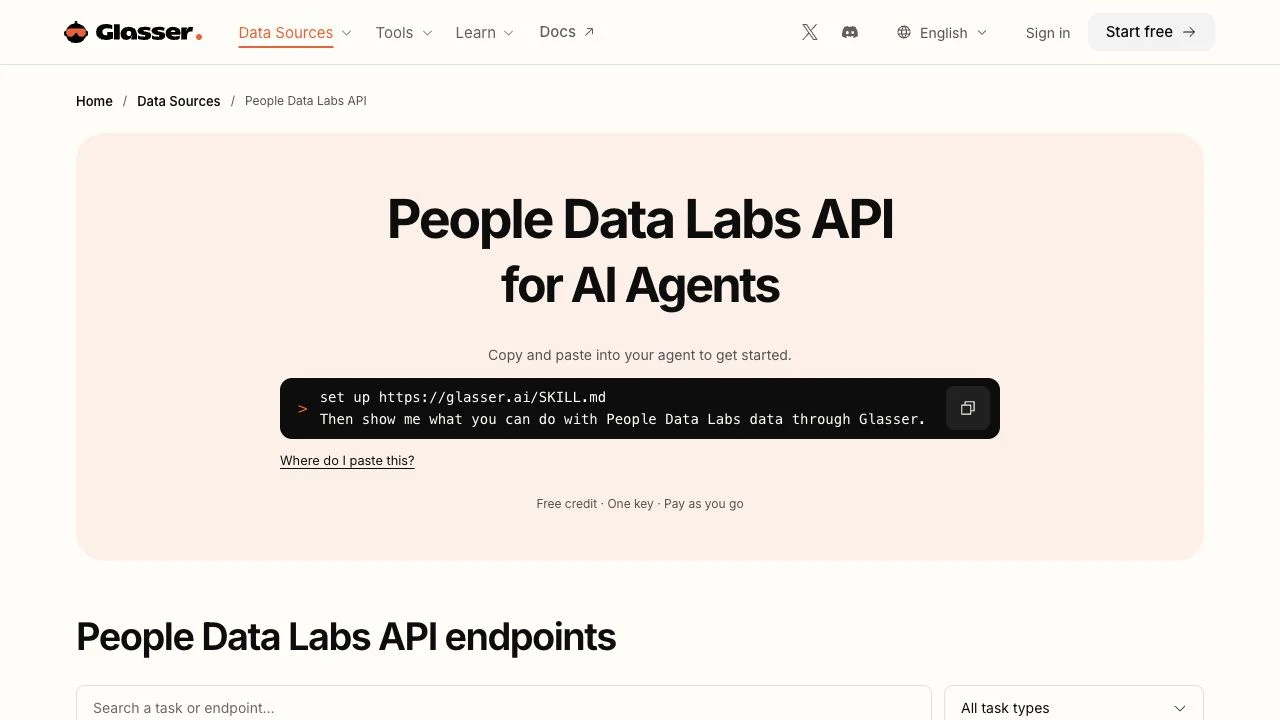
A company lookup and a contact lookup often belong to the same research task. Glasser lets you access supported providers with one account and key and pay for usage from one balance. Its People Data Labs data-source page includes company enrichment, company search, person enrichment, and person search. PDL supplies the underlying data for those endpoints.
For example, an operations engineer can enrich a company using People Data Labs through Glasser, then use Glasser's Prospeo endpoints to research relevant roles. Both sources use the same Glasser credentials and balance. That makes Glasser particularly useful when a task spans company and contact research: you can add a supported source without arranging another provider account and key.
Keep matching rules, approvals, and CRM writeback in your own application. Glasser supplies the supported data access; your team owns the integration and decides which results are safe to use. Include that implementation work in your plan, especially if you need automatic synchronization or a multi-step enrichment workflow.
2. Apollo: connect enrichment with prospecting and outreach
Apollo presents company and contact data alongside prospecting, outreach, and dialing, and promotes waterfall enrichment. Its appeal is the connection between finding people and acting on the results. An SDR team already working in a sales platform may prefer that continuity to exporting a file between several tools.
Evaluate the complete journey with a real target segment: find the company, identify a relevant role, enrich the record, and get it into the intended workflow. Confirm which steps and data types the proposed plan covers. A broad platform can be a good fit when those connected steps matter; an API-only project should also compare the implementation and usage economics of narrower data access.
3. Clay: make enrichment part of a repeatable research workflow
Clay combines a data marketplace, research agents, and visual orchestration. That makes it relevant when a usable lead requires several dependent steps: resolve the company, retrieve a missing field, investigate a condition, and route the result for review.
Ask who will maintain the workflow after its original builder leaves. A table with many conditional branches needs understandable field names, clear stop conditions, and someone responsible for failed or conflicting results. Run a small version of the workflow you plan to use, then inspect its useful outputs and total usage. A successful first lookup does not describe the cost of the whole process.
4. Cognism: evaluate coverage where your sellers work
Cognism emphasizes European B2B data, phone-verified contacts, and CRM enrichment. It belongs on the shortlist when the buying problem is sales access to the right people in specific countries and functions.
Treat its positioning as a reason to test your segment. Give the vendor the roles, countries, and company sizes your team needs, then inspect whether returned contacts still hold the relevant jobs and whether the required channels are available. A team selling into European operations leaders may reach a different decision from one targeting North American engineering teams. Neither conclusion follows from a global database total.
What should a fair enrichment pilot measure?
Start with a representative sample that includes easy matches, smaller companies, regional domains, changed employers, and incomplete inputs. Record the original values before running any provider. A pilot made entirely of familiar large companies will hide the cases that create work later.
Define a usable lead before looking at the results. For an account-routing workflow, that might mean a confirmed company match, a usable country, and an employee band. For outbound sales, it may also require a current employer and an accepted work-email status. Keep these definitions consistent across providers.
Track records matched, required fields returned, records accepted after review, and records requiring manual work. In a hypothetical routing pilot, a returned company profile with a headquarters country still fails acceptance if the task needs the operating account's country. A different record may have fewer fields yet satisfy every routing requirement. Judge both against the rule you wrote before the pilot.
Test a second source on unresolved records. For example, if 20 records remain unresolved and another source returns 12 candidates, of which seven pass your checks, the added value is seven accepted records. That teaching example counts the decisions unblocked by the extra lookup. Keep unmatched records and rejected candidates in the pilot results, with the reason each was rejected.
How much do these lead enrichment tools cost?
The table lists every tool in this comparison, using the lowest published paid tier and separating monthly billing from annual commitments. Prices are in USD and were checked on November 11, 2026; taxes, extra usage, and optional add-ons are excluded.
| Tool | Lowest published paid entry | Starting allowance / billing |
|---|---|---|
| Glasser | $0.28/person call; $0.10/company call via PDL | Pay as you go; $1 starting credit. Each endpoint has its own rate. |
| Apollo | Basic: $65/seat/month, or $49/seat/month billed annually | 2,500 credits/month; annual plan grants 30,000 upfront for $588/year. |
| Clay | Launch: $185/month, or $167/month displayed with annual billing | Monthly bundle: 2,500 Data Credits + 15,000 Actions; unlimited seats. |
| Cognism | Contact sales for pricing — a personalized quote is required. | Standard prospecting includes 5 seats; CRM Enrichment is an add-on. |
Apollo's $49 figure requires a full-year payment; its month-to-month entry price is $65, and data enrichment consumes 1–8 credits depending on the action. Clay's $167 is the rounded monthly figure displayed in annual mode. Its CRM auto-sync and HTTP API integrations start at Growth, at $495/month on monthly billing. Clay charges platform Actions and Data Credits separately, so 2,500 credits do not necessarily cover 2,500 complete workflows.
Glasser's two rates above apply to its PDL person-enrichment and company-enrichment endpoints; a workflow that uses several endpoints incurs their respective usage charges.
Start with Glasser's $1 credit and one shared balance
Glasser provides $1 of starting credit to begin checking the data your task needs. You can carry the same account, key, and balance from the initial company lookup into supported contact-research endpoints. Each endpoint lists its rate, so review that rate before deciding which fields to add.
Start with a known company domain or person identifier, inspect the selected endpoint's inputs and rate, and review the returned fields before expanding. The $1 credit helps you begin that check; the number of operations it covers depends on the endpoints and calls used. Use the result to decide which additional fields are worth querying.
For each provider, record the plan, billing term, included allowance, usage charges, and number of accepted records. Add review and integration costs to the access and usage fees, then divide the total by accepted records. This makes the comparison reflect the work your team can actually use.
How do you turn the shortlist into a decision?
Open Glasser's company and person endpoints with one task in mind: filling a company field, resolving a person's employer, or researching a relevant role. Choose the corresponding endpoint and keep the original input beside the result. Expand only when the returned fields support that decision.
Before buying more access, record who will run the workflow, which results count as accepted, and the total cost of producing them. Use the CRM data enrichment plan when accepted results will update live account or contact records; it covers field protection and rollout controls.
Related posts
View more
7 min read
CRM Data Enrichment: A Practical Plan for Field Rules, Rollout, and Refreshes
Plan CRM enrichment with field ownership, staging, conflict rules, controlled writes, rollback records, and a sustainable refresh process.

7 min read
Company Data Enrichment: How to Turn Domains into Useful Company Profiles
Turn company domains into useful profiles with identity checks, parent-company boundaries, source tracking, and clear acceptance rules.

8 min read
Best B2B Contact Database Providers: Compare Coverage, Verification, and Cost
Compare five B2B contact data options by account coverage, role fit, verification, and cost per usable contact or covered account.
Make your agent
work with real data.
Search, inspect, and run data APIs through one Glasser key. Turn your next question into a result you can use.
Get started with Glasser