
Glasser Team8 min read
Best B2B Contact Database Providers: Compare Coverage, Verification, and Cost
Compare five B2B contact data options by account coverage, role fit, verification, and cost per usable contact or covered account.

Which B2B contact database can reach your actual buying group?
A database may return thousands of contacts and still miss the people your sales team needs. The titles can be close but irrelevant, the employer can be out of date, or the available channel can differ from the one your campaign uses. Resolve those gaps before treating the export as a usable contact list.
Start with Glasser if your team wants to build targeted contact research into an application or AI agent using supported sources under one account and key. This guide compares that access model with Apollo, Cognism, Lusha, and UpLead. The buying decision rests on three questions: can you find the required roles at your target accounts, obtain the channels you need, and use the results in your intended workflow?
This Glasser editorial comparison uses official pages reviewed on November 11, 2026. It assesses documented capabilities and buying requirements. No live deliverability or provider-accuracy test was performed.
| Option | Where it fits | Main pilot question |
|---|---|---|
| Glasser | Programmatic access to company and person search or enrichment | Can the chosen source and endpoint produce the records your workflow needs? |
| Apollo | Sales teams combining contact discovery and execution | Does the target segment have enough relevant, usable contacts? |
| Cognism | Teams investigating European coverage and phone-oriented prospecting | Are the required countries, functions, and phone channels covered? |
| Lusha | Contact and company prospecting with signals and enrichment | Does the data resolve the actual buying roles in your accounts? |
| UpLead | Contact search with real-time email verification positioning | What verification outcomes and unresolved cases appear on your sample? |
What does each provider offer?
1. Glasser: access contact sources inside your own process
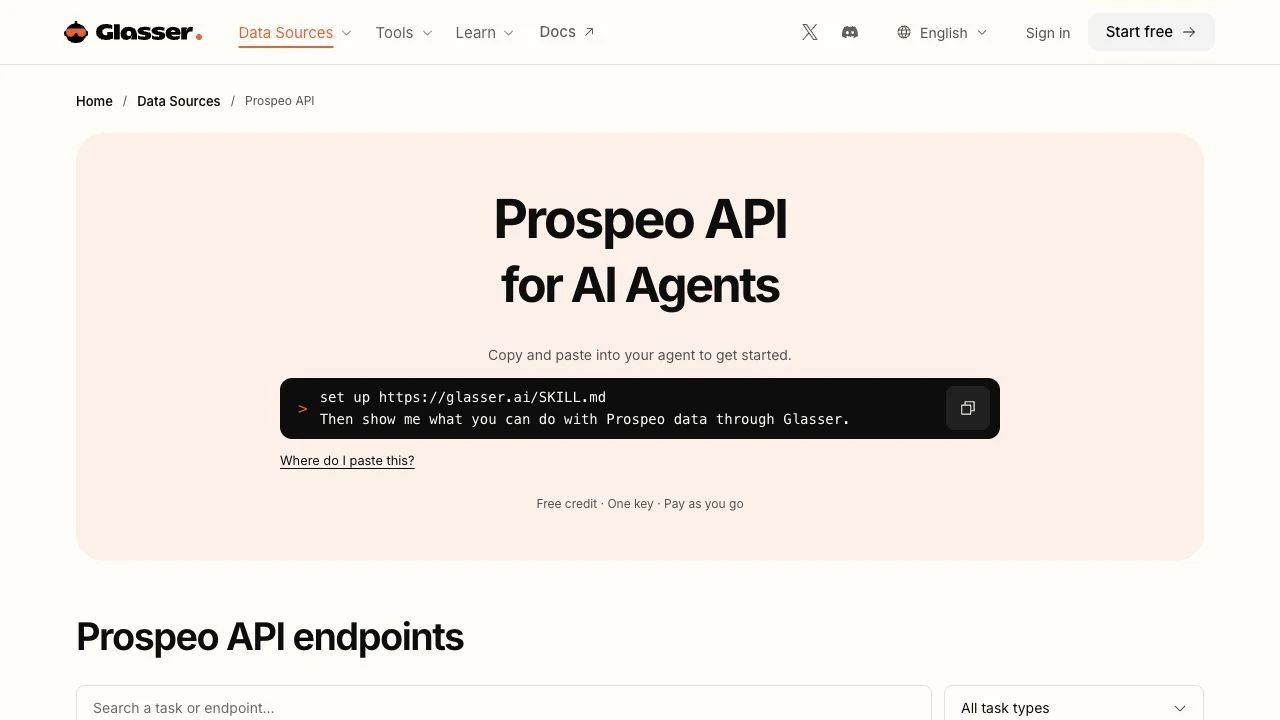
Glasser is our recommended starting point for teams building contact research into an application or agent. Its Prospeo endpoints support person search by role, seniority, department, employer, industry, technology, and location, alongside company and contact enrichment. You can narrow the research to the accounts and functions you need, using one Glasser account, key, and balance across supported sources.
The records come from the underlying provider, so keep source identity attached to each result. Confirm the selected endpoint's outputs and billing unit, then have your application match people to accounts, preserve source statuses, and deduplicate accepted results. Glasser handles access to the supported sources; your workflow controls which contacts enter the working list.
For example, a sales-operations team can search a qualified account for the required department and role, review the candidates, and retrieve the contact data needed for its campaign. The team owns the interface and acceptance rules. Include that implementation work when deciding how the data will reach sellers.
2. Apollo: keep contact discovery close to sales execution
Apollo combines contact and company data with prospecting, outreach, and dialing. It is relevant when sellers want to discover people and work with them within a connected environment.
Pilot the same account list your team intends to pursue. Check whether the available contacts cover the functions involved in the buying decision, and confirm the plan's treatment of exports, contact data, and connected workflows. The value comes from relevant people and reduced handoffs; a large list of loosely related titles can still create substantial manual research.
3. Cognism: examine regional and phone coverage in detail
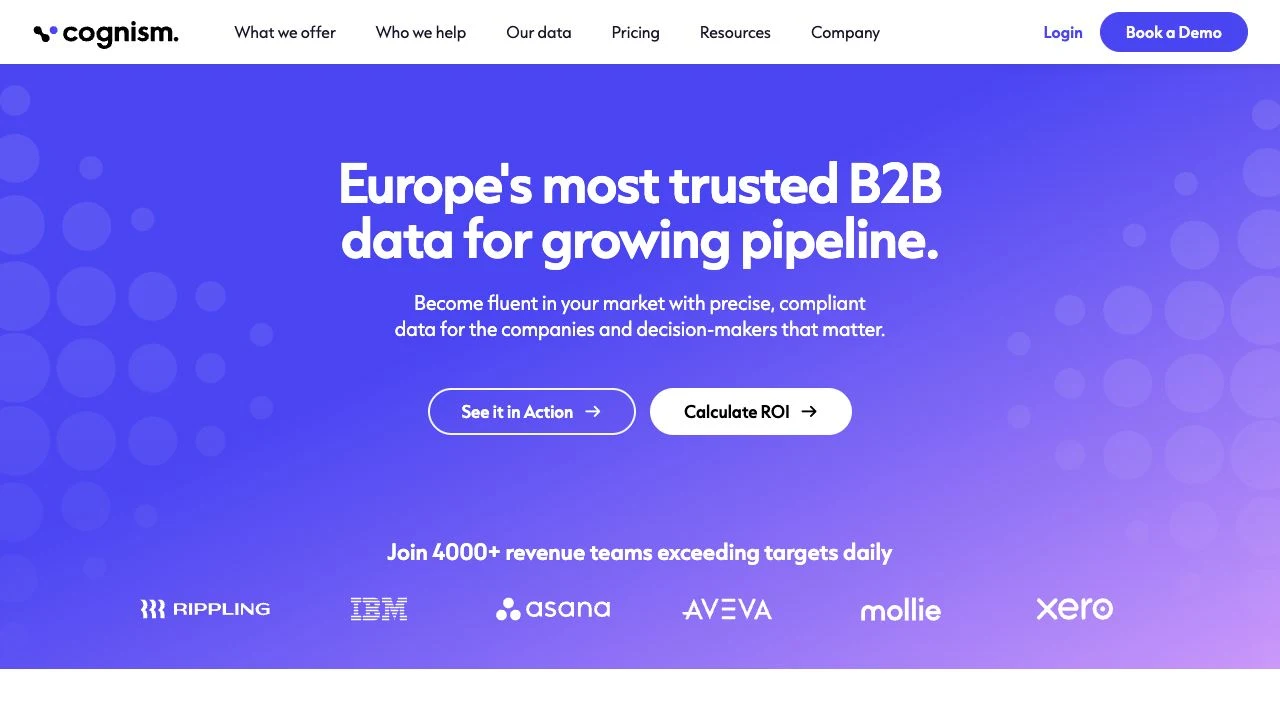
Cognism emphasizes European data and phone-verified contacts, alongside enrichment and CRM connectivity. That makes it a reasonable candidate for teams whose primary concern is finding business contacts in particular European markets.
Ask for a sample broken down by country and role. Then inspect current employer, job relevance, and the available contact channel separately. A vendor's phone-verification positioning does not establish that every returned contact has the same verification history. Request enough field-level context to understand what your team will receive and what remains to be checked.
4. Lusha: connect contact research with company context
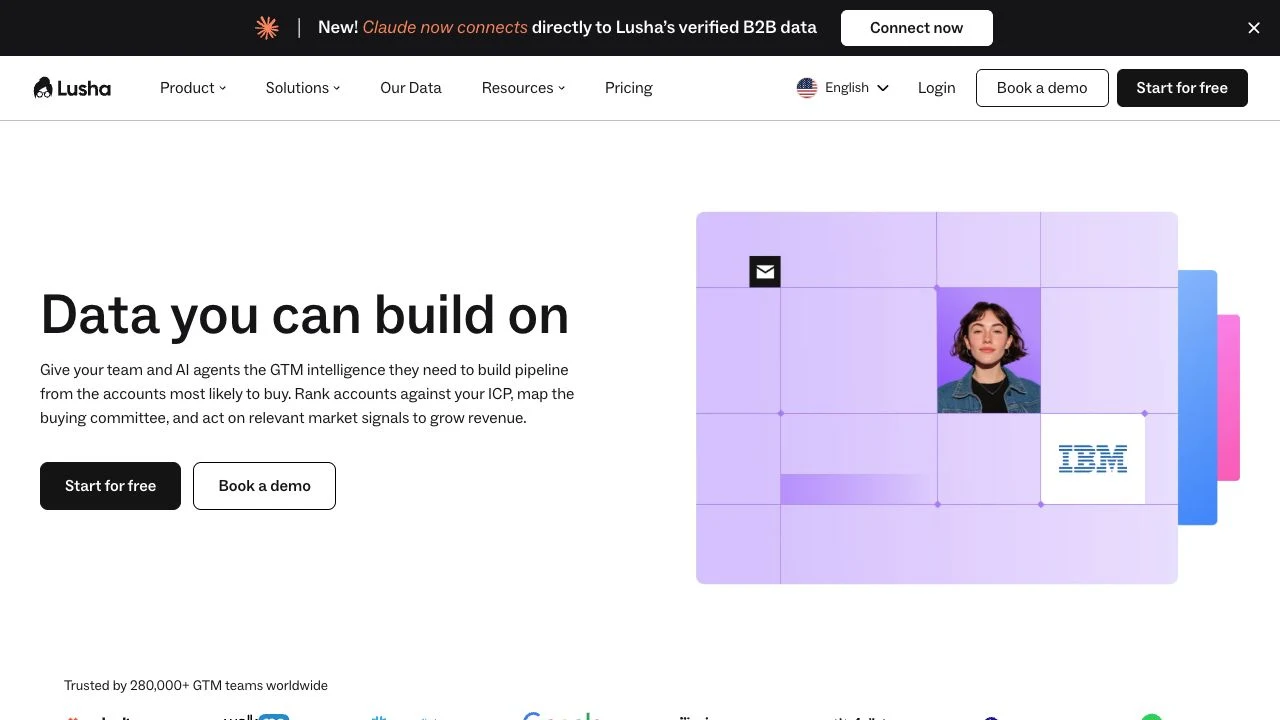
Lusha presents contact and company prospecting, enrichment, buying signals, and multiple ways to use the data. Its scope is useful when a team needs both the person and the account context around that person.
Evaluate whether the filters identify the intended buying group, rather than just producing senior contacts. For example, a director of operations at a manufacturer and a director of sales operations at a software firm can represent very different needs. Also test the source and freshness information available to the people who will maintain the list.
5. UpLead: evaluate email verification as a distinct step
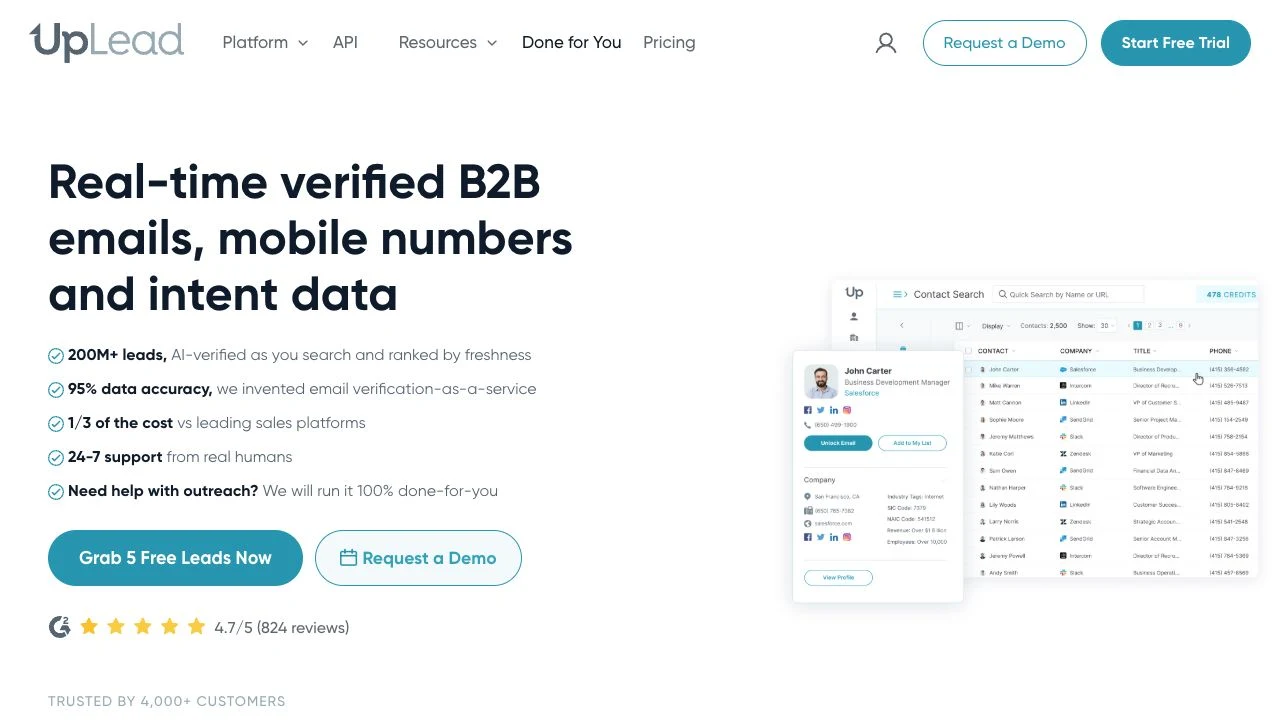
UpLead positions its service around B2B contact search and real-time email verification, with enrichment and API options. It belongs on the shortlist when the team wants to understand the email status of selected contacts before acting on an export.
Ask what each status means, how unresolved cases are handled, and when verification occurs in the chosen workflow. An email-related status does not prove that the person owns the relevant buying decision. Evaluate role fit and current employment alongside the channel check, and review the actual commercial terms before relying on any advertised guarantee.
How should you test coverage and quality?
Before requesting samples, write the requirements each provider must satisfy. Use the same account mix and role definitions across the shortlist; otherwise a provider with many easy-to-find contacts can appear to cover a segment it barely reaches.
| Purchase requirement | Evidence to request | Acceptance decision |
|---|---|---|
| Target employers and roles | Results tied to your account list and role definitions | Count only contacts in the intended function |
| Required channel | Email or phone availability plus supplied status and date | Record missing or unknown status explicitly |
| Delivery into your workflow | Export or API access under the proposed plan | Confirm the required fields can be used through that route |
| Ongoing use | Refresh, retention, and usage terms for the proposed package | Have the team responsible for use review the terms |
The table provides procurement criteria. It states what to establish before purchase, without assigning untested scores to vendors.
For every returned contact, track company match, current role evidence, function fit, channel availability, and channel status. Where a date or verification method is not supplied, mark it unknown. This creates a useful distinction between “person found,” “relevant person found,” and “relevant person with a usable channel.”
Remove existing customers and contacts excluded by your campaign rules before reporting new-contact yield. Confirm that the accepted records can actually be exported or used through the agreed interface and plan.
Run deduplication at both the person and account levels. A contact appearing in two searches should not inflate coverage. Several contacts in one large account should not hide a lack of coverage across the rest of the account list.
If the first pass leaves a specific gap, Glasser's Lusha endpoints add another supported route to company, contact, and signal data under the same credentials and balance. For example, a researcher can investigate an employer-change question after finding a candidate contact. Check the additional source on unresolved accounts before extending that step to the whole list.
How much does a usable contact actually cost?
Price the same workload across the shortlist: users, accounts researched, contacts revealed or exported, required email or phone data, API access, and refreshes. Request the terms for missing results and repeat lookups in writing. Cognism requires contacting sales for pricing; the lead enrichment tools comparison records its quote requirement alongside the reviewed Glasser and Apollo prices. The calculation below measures operating cost using fictional inputs.
Keep two denominators: accepted contacts and accounts with the required role coverage. The following hypothetical pilot requires at least two accepted target roles per account; the figures are teaching inputs, with no vendor quote or measured result implied.
| Measure | Result |
|---|---|
| Target accounts | 100 |
| Returned contacts | 240 |
| Contacts passing role, employer, and channel rules | 120 |
| Accounts with at least two accepted target roles | 45 |
| Data and review cost | $180 |
| Cost per accepted contact | $1.50 |
| Cost per sufficiently covered account | $4.00 |
The 120 accepted contacts are useful, but only 45 accounts meet the two-role objective. A provider returning more contacts from those same accounts might improve contact volume without improving account coverage. Cost per covered account shows that gap.
Keep an account-level count of the required roles covered, alongside each contact's current-role evidence, channel status, export eligibility, and acceptance decision. Record excluded contacts and the reason for exclusion so a larger raw result count cannot hide a lower usable yield.
How do you choose and maintain the database?
Take the requirements table to Glasser's Prospeo endpoints and inspect the filters for one target account and function. Use the $1 starting credit to begin checking the selected endpoint. Record which required roles and contact fields you can obtain, then expand through supported sources under the same account and key when a specific gap warrants it.
Apply suppression rules, contact preferences, and internal eligibility checks before using a returned record. An available business contact is not automatically approved for every campaign. Recheck role and employer context before important activity, and keep changed or uncertain records in a review queue.
If the main task is updating existing records, continue with the CRM data enrichment plan. If the task is choosing a broader workflow across several sources, the lead enrichment tools comparison covers that decision separately.
Related posts
View more
7 min read
Best Lead Enrichment Tools for B2B Teams: Compare Data, Workflows, and Cost
Compare four lead enrichment options by workflow, data needs, and total cost, with a practical pilot for measuring accepted records.

7 min read
CRM Data Enrichment: A Practical Plan for Field Rules, Rollout, and Refreshes
Plan CRM enrichment with field ownership, staging, conflict rules, controlled writes, rollback records, and a sustainable refresh process.

7 min read
Best B2B Intent Data Providers: Compare Signal Sources, Coverage, and Fit
Compare five routes to B2B intent and company signals, understand their limits, and design a pilot with measurable business outcomes.
Make your agent
work with real data.
Search, inspect, and run data APIs through one Glasser key. Turn your next question into a result you can use.
Get started with Glasser