
Glasser Team3 min read
Why We Built Glasser
That’s why we built Glasser: to give AI a better way to access, choose, and consume premium data.

AI has gotten dramatically more capable. Models are smarter, reasoning is stronger, coding has improved rapidly, and agents can now use tools and execute complex workflows.
But we increasingly believe the next major constraint on AI performance is not just intelligence. It’s the quality of the data AI can access. That’s why we built Glasser: to give AI a better way to access, choose, and consume premium data.
AI is smart. But it needs the right data.
If you ask AI to analyze a website, it needs real traffic, keyword, and backlink data. If you ask it to find customers, it needs accurate company, people, contact, and intent data. Without that, even the smartest model is still reasoning from fragmented information on the public web.
The old rule still applies: garbage in, garbage out. In fact, AI makes this problem harder to notice because it can turn incomplete information into an answer that sounds structured, coherent, and convincing.
So the question is no longer simply, “Can AI answer this?” It’s: Does AI have good enough data for us to trust the answer?
Glasser starts there: making premium data much easier for agents to access.
One Data Router for AI
Today, accessing premium data still means finding providers, creating accounts, getting API keys, reading different docs, and deciding which source to use for each task.
We think the AI-native version should be much simpler: one key, one Data Router.
An agent should be able to say what it needs without already knowing which provider can deliver it. Different sources have different strengths in coverage, accuracy, price, and speed. Glasser can route to the right provider, fall back to another, or combine multiple sources when needed.
Over time, the router should get smarter based on price, quality, success rates, and historical performance. The goal is simple: people define the goal, agents do the work, and Glasser finds the right data.
A business model built for AI
Much of today’s premium data lives in products like Semrush, Ahrefs, Apollo, and Crunchbase, and is still sold through subscriptions. But agents don’t consume data that way. Today they may need SEO data, tomorrow leads, and the next day company or funding data — often using each source only a few times.
That’s why Glasser is pay as you go: use what you need, and pay only for what you use.
The bigger change is the cost of experimentation. Instead of being limited to the subscriptions you already pay for, agents can try different providers, compare results, and combine multiple sources. The easier it is to experiment, the more likely you are to find the best data for each task.
We want premium data to become less like a collection of subscriptions and more like a resource that agents can consume on demand.
Give AI better sight
That’s what we’re building with Glasser: premium data through one Data Router, with a pay-as-you-go model designed for how agents actually work.
That’s also what the name "Glasser" means to us: giving AI a pair of glasses. We don’t just want AI to get better at explaining the world. We want it to see the world more clearly first.
AI is already smart. Now let’s help it see.
Related posts
View more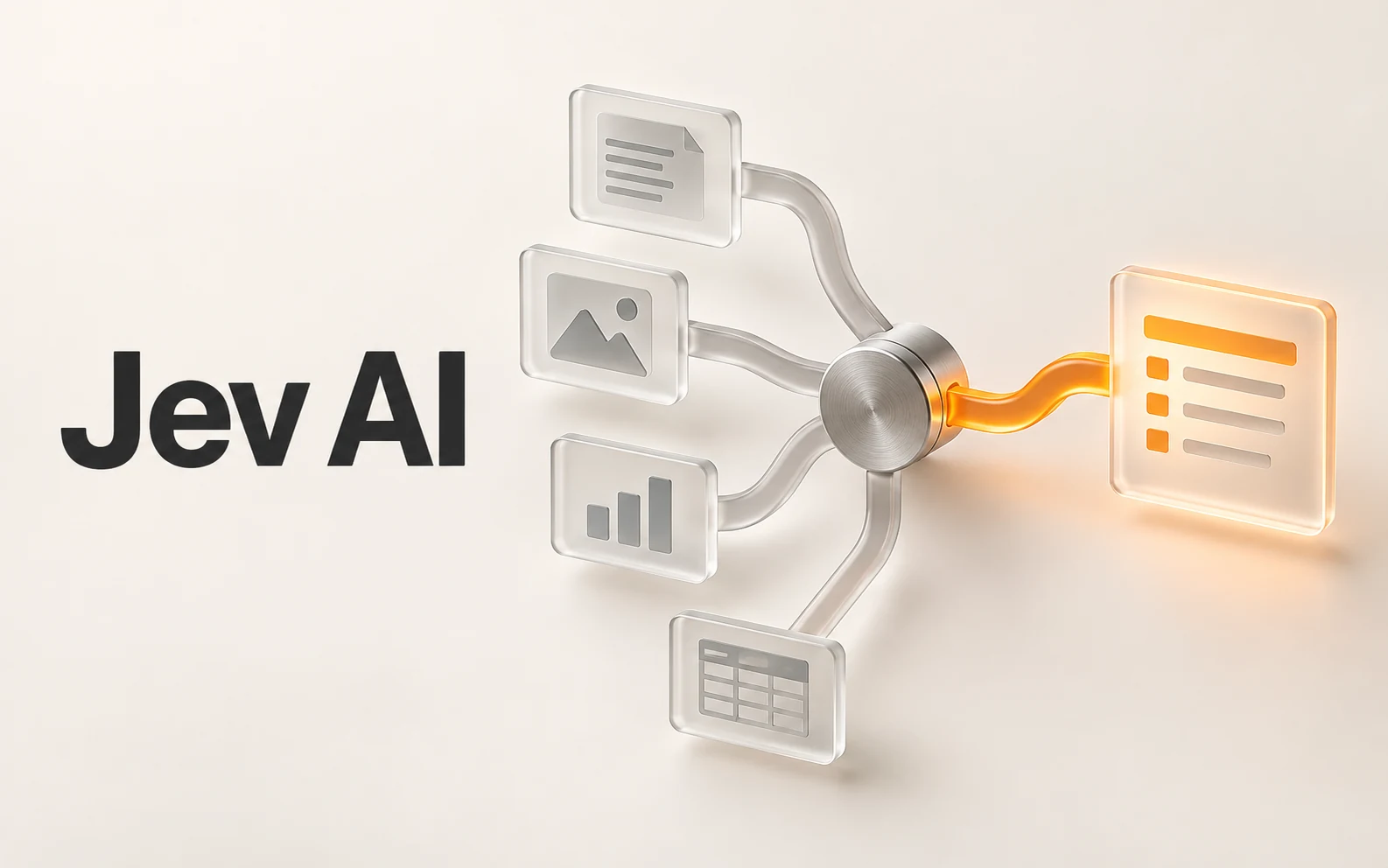
Make your agent
work with real data.
Search, inspect, and run data APIs through one Glasser key. Turn your next question into a result you can use.
Get started with Glasser